The fastest way to make a greeting card that actually stands out is to turn your own photo into a moving video with AI: pick a photo → choose a holiday effect template → get a 1080p animated card in about 65 seconds. With MagicBrew there's no design experience needed — save it to your camera roll and text it or post it to Instagram or Facebook.
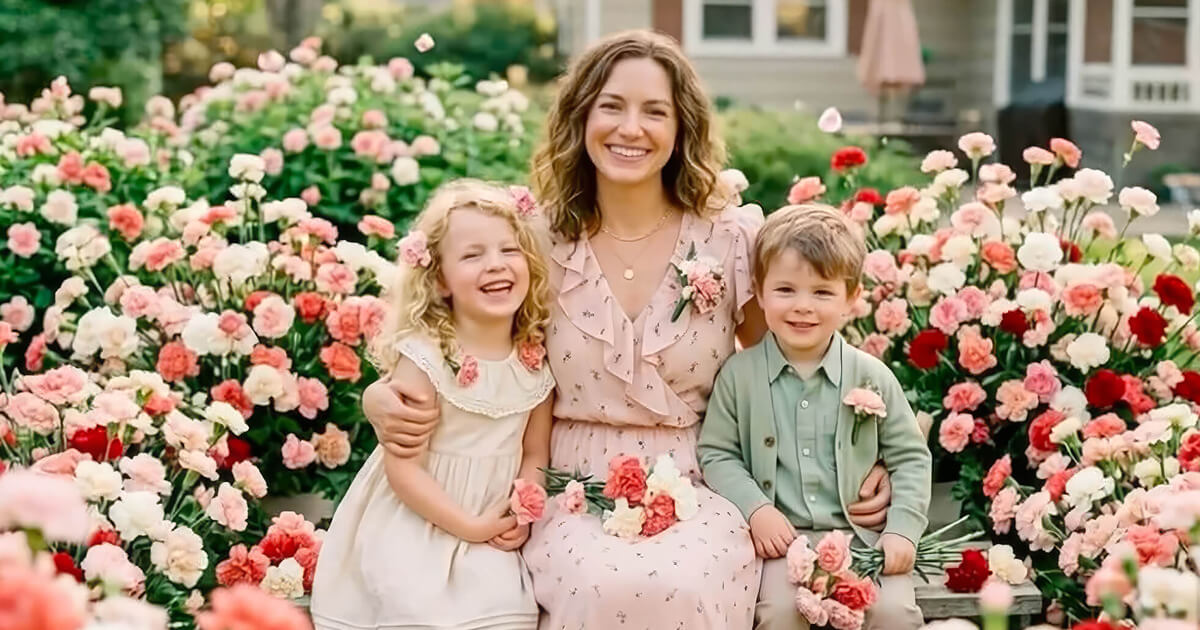
Every holiday season, the same recycled graphics flood the group chats — glittery "Merry Christmas" GIFs, stock fireworks, greeting images that have been forwarded a hundred times. The people receiving them are numb to it, and deep down, the people sending them know nobody really looks.
This year can be different: make a moving card from a photo of your own. The family in your group photo comes to life, your cat winks at the camera, your kid's drawing lights up under fireworks — this article shows you how to make an animated greeting card like that with MagicBrew in a minute or two, plus photo ideas for every major holiday.
Why does an animated card mean more than a stock graphic?
Because it's made from your own photo, and it moves — the person receiving it knows at first glance, "this was made for me."
The problem with recycled greeting images isn't that they're ugly — it's that there's no "you" in them. A Christmas card made from your family photo means grandma and grandpa see their own grandkids waving at them from the screen; a birthday video made from a childhood photo of the birthday person will stop anyone mid-scroll in a way no sticker ever could. And a moving video simply commands far more attention in a chat thread or a social feed than a static image.
"Holiday templates are updated so regularly. My Christmas and New Year videos got so many likes from friends and family!"
— MagicBrew App Store user review (4.8 stars on the App Store, 3,500+ reviews)
In one sentence: a stock graphic says "happy holidays" — a card you made yourself says "I was thinking of you."
Animated card ideas for every major holiday
Different holidays call for different photos. Here are combinations you can copy directly:
🎄 Christmas
A photo of the kids in front of the Christmas tree or your pet in a Santa hat is perfect material — pair it with a wintry or dreamy template and you've got a one-of-a-kind Christmas card.
🎆 New Year's
Use a family photo with a festive, sparkly template and let everyone in the frame come alive to ring in the new year. Send it at midnight and it will beat any "Happy New Year" image in the thread.
💐 Mother's Day / Father's Day
Dig out an old photo of Mom or Dad from when they were young, turn it into a moving video, and add a line of thanks. Many users say the moment they saw family in an old photo start to move was deeply touching — no stock bouquet of carnations can do that.
🎂 Birthdays
A photo of the birthday person — or a drawing your kid made themselves — turned into a birthday video adds a whole extra layer of surprise to the wishes.
🦃 Thanksgiving・💘 Valentine's Day
For Thanksgiving, use a photo from the family gathering around the table; for Valentine's Day, take a photo of the two of you and pair it with a romantic template for a short film that belongs only to you.
Don't worry about finding the right effect — MagicBrew's content team adds new templates every day, holiday themes go live ahead of each occasion, and the seasonal section is right there when you open the app.
It all boils down to one formula: a holiday × a photo with a story × the matching template = a card nobody else could ever make.
Make your animated card in 3 steps
The whole flow takes about a minute or two: pick a photo, pick a template, and let the AI do the rest. Here it is step by step:
1Pick a photo with a story
Choose a photo from your camera roll or take one on the spot. Photos with people or a clear main subject work best: family photos, a solo shot of the birthday person, pet pics, old photos, and kids' drawings are all great choices. The clearer the photo and the more distinct the subject, the more natural the motion.
2Choose a holiday effect template
Open the template section for the holiday you're celebrating and tap to apply — no prompts to type. The same photo feels completely different under different templates, so try a few and use the before-and-after preview to pick your favorite version.
3Generate, then send your wishes
The AI generates in the background — most videos are ready in about 65 seconds at 1080p Full HD. Once it's saved to your camera roll:
- iMessage / WhatsApp: text the video directly to family or the group chat
- Instagram / Threads / Facebook: share in one tap — great as a Story or a post
- Pro tip: make it the night before the holiday, and be the first to send wishes in the morning
Three steps, one or two minutes — and you have a card that exists nowhere else in the world.
3 small tricks that make your card even better
Fast is good — but you can also make it even more thoughtful. Three field-tested tricks:
- Make one for everyone in one sitting: generation runs in the background, so you can queue up several cards in a row — one for your parents, one for the in-laws, one for the friends' group chat, each with its own photo and template.
- Old photos are the secret weapon: faded prints and black-and-white photos are especially powerful once they move — perfect for Mother's Day, Father's Day, and grandparents' birthdays.
- Add text when posting a Story: after the video is saved to your camera roll, you can layer greetings or stickers on top in Instagram Stories for an even more personal version.
There's only one core principle: the photo should carry your story — the AI's job is to make it move.
Frequently Asked Questions (FAQ)
How much does it cost to make an AI animated greeting card?
MagicBrew is free to download and includes free credits. If you need more generations, credit packs are available at $2.99, $5.99, or $13.99. Credits-based, no subscription — you only pay for the cards you make.
How long does it take to make one animated card?
Most videos are ready in about 65 seconds, and the whole flow from picking a photo to sending takes about 1 to 2 minutes. Generation runs in the background, so you can start preparing the next card while you wait.
Can I text the animated card directly to someone?
Yes. The video is saved to your camera roll as a 1080p MP4 — text it directly over iMessage or WhatsApp, or share it to Instagram, Threads, Facebook, or any other platform.
What photos work best for holiday greeting cards?
Photos with people or a clear main subject work best: family photos, a solo shot of the birthday person, pet pics, old photos, and kids' drawings. The AI automatically adapts the motion to the content of the photo.
Are there templates for Christmas and other holidays?
Yes. The content team adds new templates daily, with themed effects for Christmas, New Year's, and other holidays — and they go live ahead of each occasion.
Can I do this without any design skills?
Yes. It's template-based with zero prompts — pick a template and the AI does the rest, and the before-and-after preview lets you check the result.
Does it work on Android?
MagicBrew is currently iOS-only, available as a free download on the Apple App Store. An Android version has not been announced.
This holiday, send a card that moves
Download MagicBrew for free, pick a photo, choose a holiday template — and have an animated greeting that wows the whole family, in about a minute.
 Download Free on the App Store